Max Mega Menu Logo
  • Max Mega Menu Logo
  • Features
  • Documentation
    • Getting Started
    • Pro Features
    • Frequently Asked Questions
    • Theme Integration
    • Menu Output Options
    • Developers
    • Troubleshooting
  • Support
  • Login
  • Get Pro
  • Download

Max Mega Menu Documentation

  1. Home
  2. Documentation
  3. Frequently Asked Questions
  4. Equal Column Height / Column Border
  • Getting Started
    • Installation
    • General Settings
    • Menu Location Settings
    • Mega Menus
    • Flyout Menus
    • Menu Item Options
    • Menu Icons
    • Mobile Menu
    • Menu Styling
  • Pro Features
    • Accordion Menu
    • Custom Icons
    • Custom Item Styling
    • Custom Fonts
    • Font Awesome
    • Genericons
    • Google Fonts
    • Image SwapNEW!
    • Mobile Toggle Blocks
    • Menu Logo
    • Menu Item Badges
    • Roles & Restrictions
    • Search Box
    • Sticky Menu
    • Tabbed Mega Menus
    • Vertical Mega Menu
    • WooCommerce
  • Frequently Asked Questions
  • Theme Integration Guides
  • Troubleshooting
  • Menu Output Options
    • Automatic Integration
    • Widget
    • Shortcode
    • Block
    • Manual Integration (PHP)
  • Developers
    • JavaScript API
    • Theme Developers

Equal Column Height / Column Border

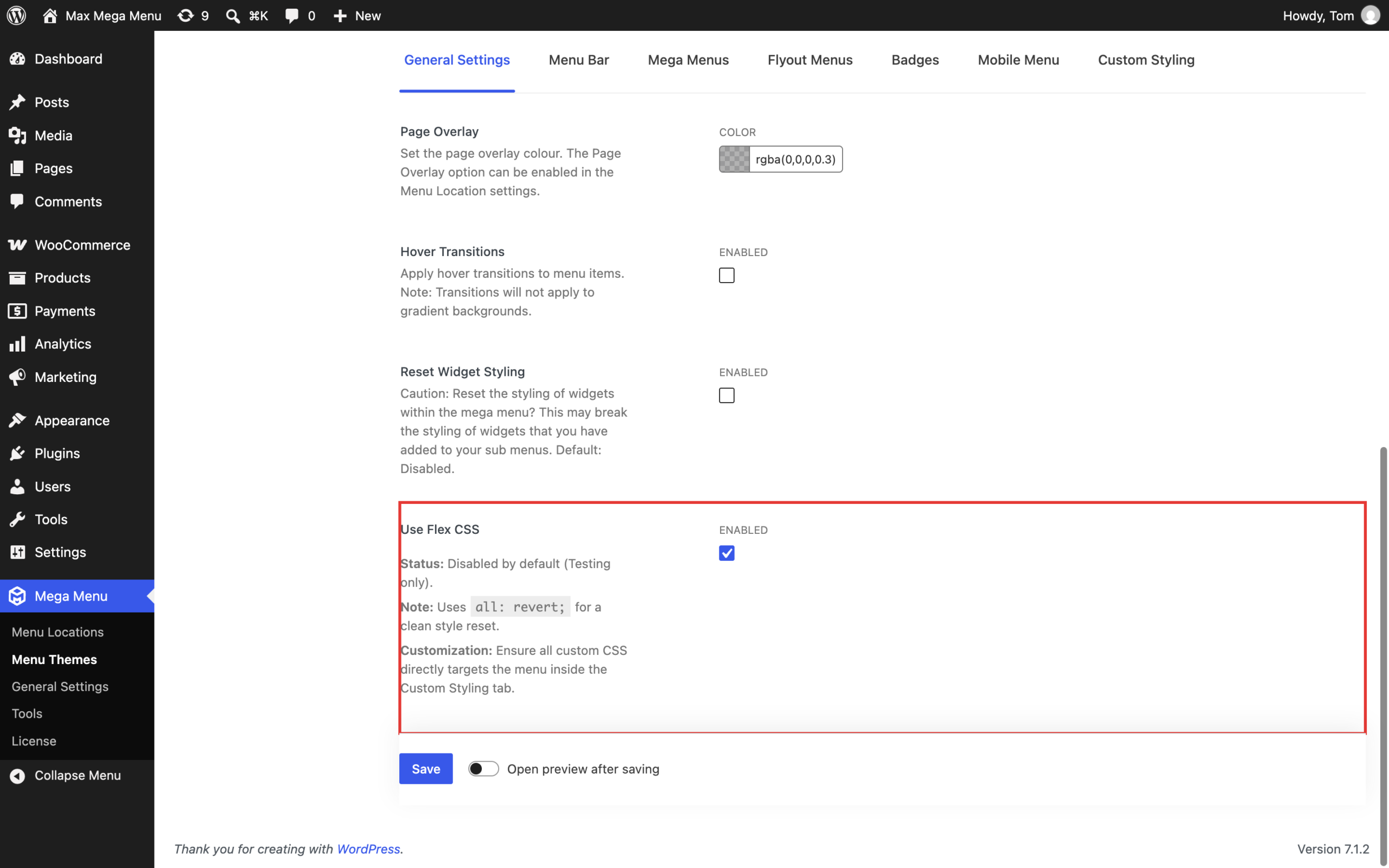
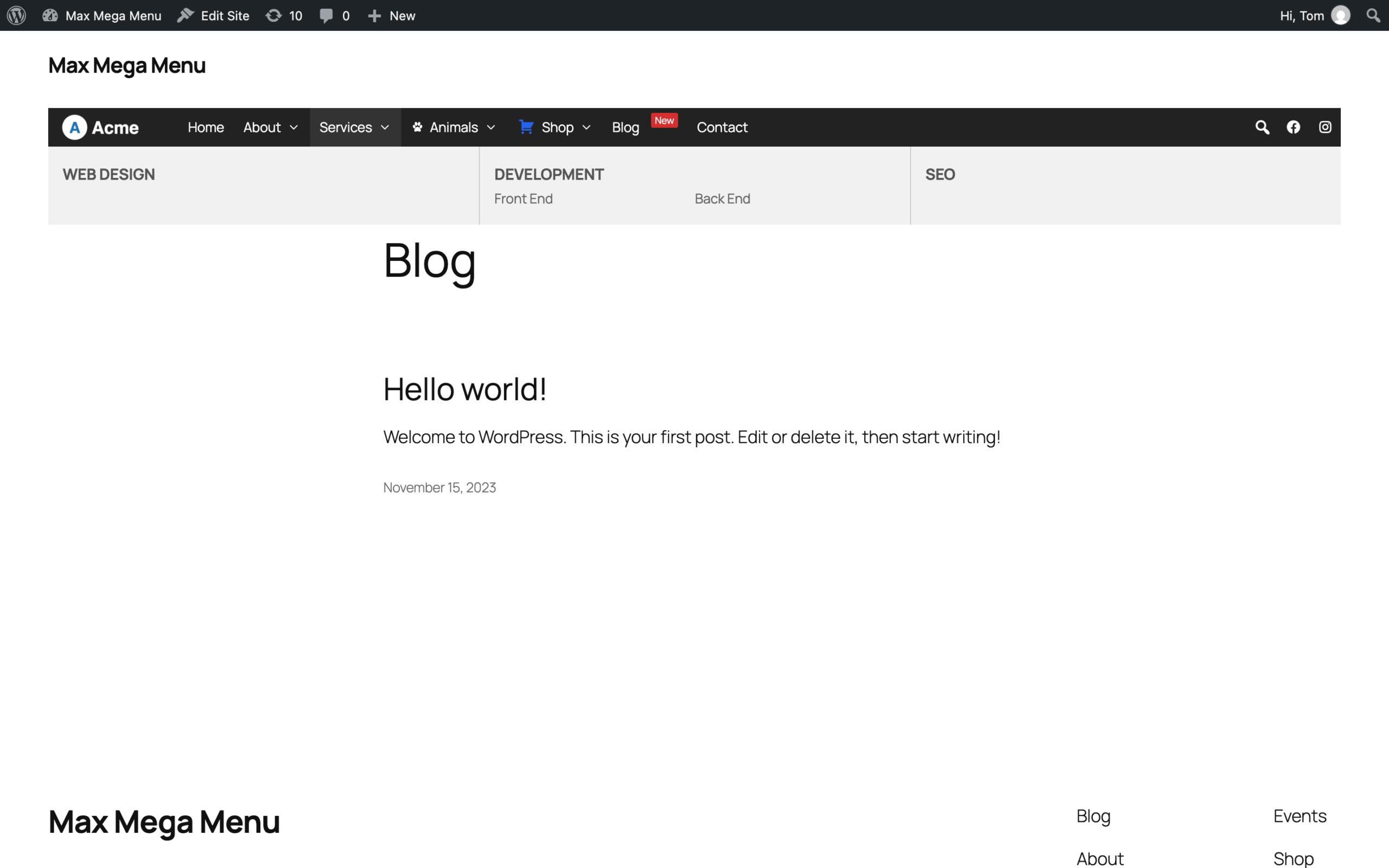
To make each column within a megamenu the same height, go to Mega Menu > Menu Themes > Custom Styling and add the following:

#{$wrap} #{$menu} li.mega-menu-item > ul.mega-sub-menu > li.mega-menu-row > ul.mega-sub-menu {
	display: flex; /* Make the columns equal height */

	> .mega-menu-column:not(:first-child) {
		border-left: 1px #ccc solid; /* Add a border to the column */
	}
}

Important: The sub menu type must be set to “Mega Menu – Grid Layout”

Related Articles

  • Toggle Sub-Menu Indicator Direction
  • Max Mega Menu and the aria-haspopup attribute
  • Collapse Sub Menu
  • How do I change the keyboard navigation highlight color?
  • Can I activate my licence key on a staging or development site?
  • Smooth Scroll / One Page Navigation

© 2026 Presseli Ltd. | Registered in England and Wales No. 9588153

This site uses cookies. View our Privacy Policy.