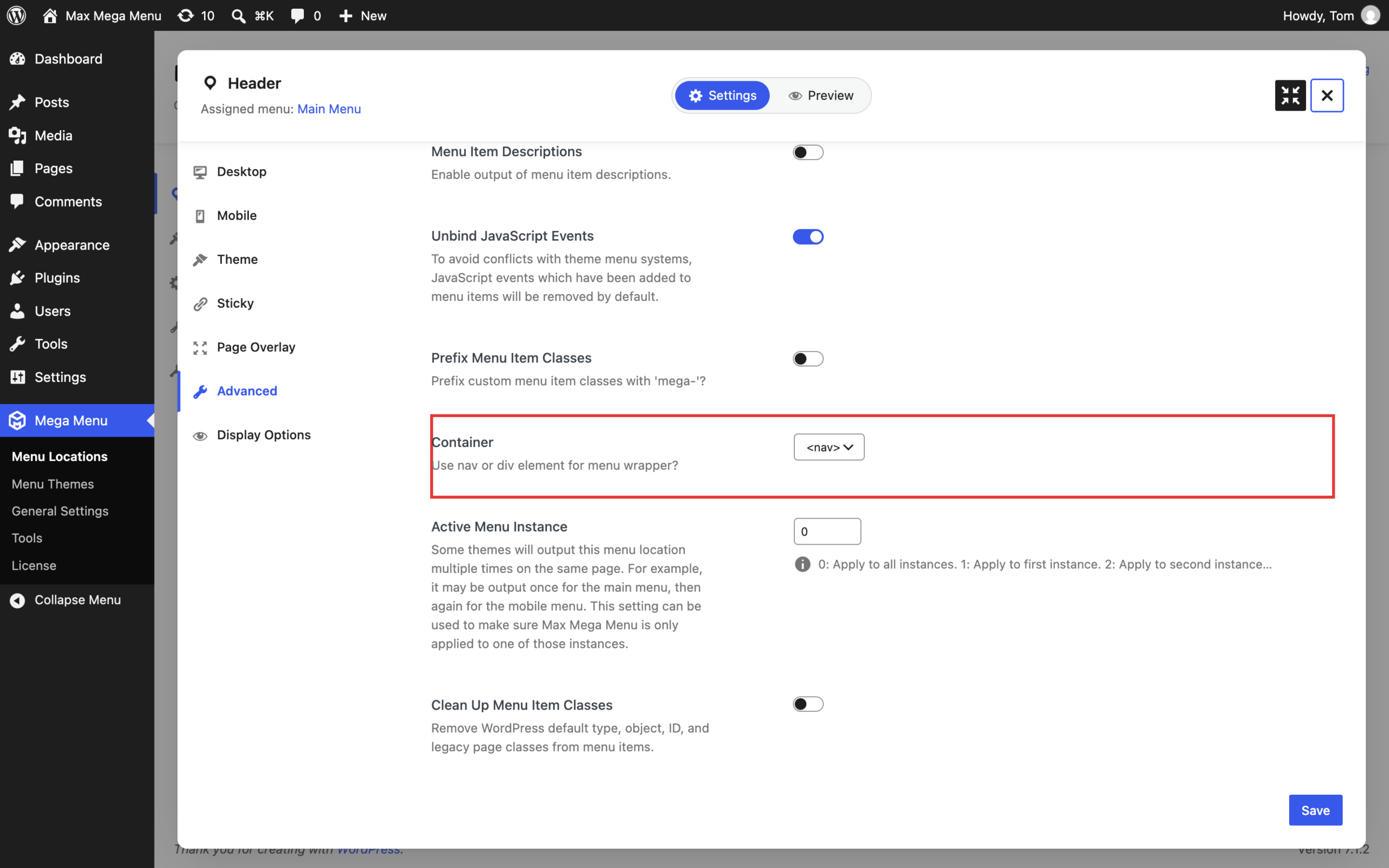
By default, Max Mega Menu wraps your menu in a <div> element. To use a <nav> element instead:
- Go to Mega Menu > Menu Locations and click the settings button for your menu location.
- Click the “Advanced” tab.
- Set the “Container” option to “<nav>”.
- Click “Save”.
This setting is applied per menu location, so repeat these steps for each location you would like to use a <nav> element. See Menu Location Settings for details of the other available options.