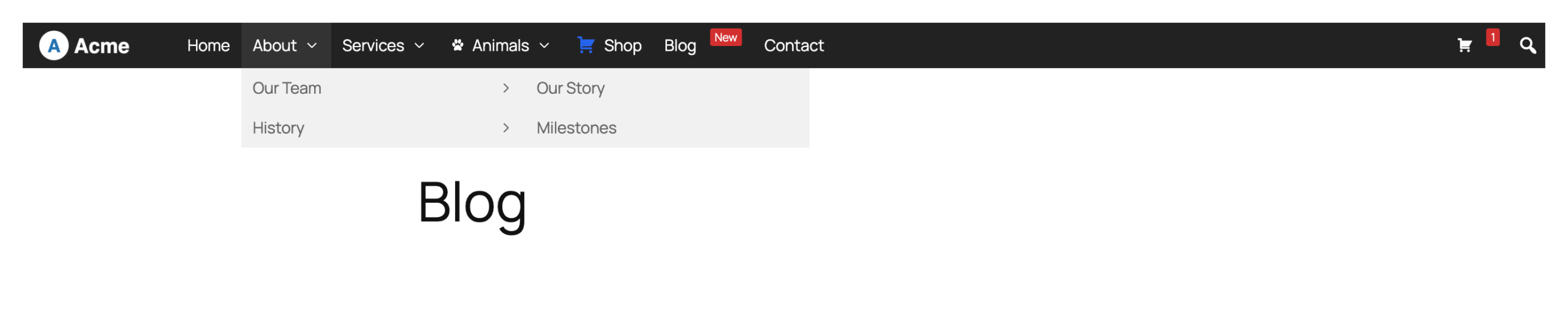
By default, “flyout” sub menus are vertically aligned to the top of their parent item. If you have set up a long menu, with many levels, this can result in a menu that stretches right from the top to the bottom (and beyond) of the user’s screen.
This will become a problem if the menu (or the theme header) is sticky/fixed, as it will make it impossible for the user to scroll down and see all of the menu items.
In the example below, the “Our Story” sub menu is aligned to the top of “History”:
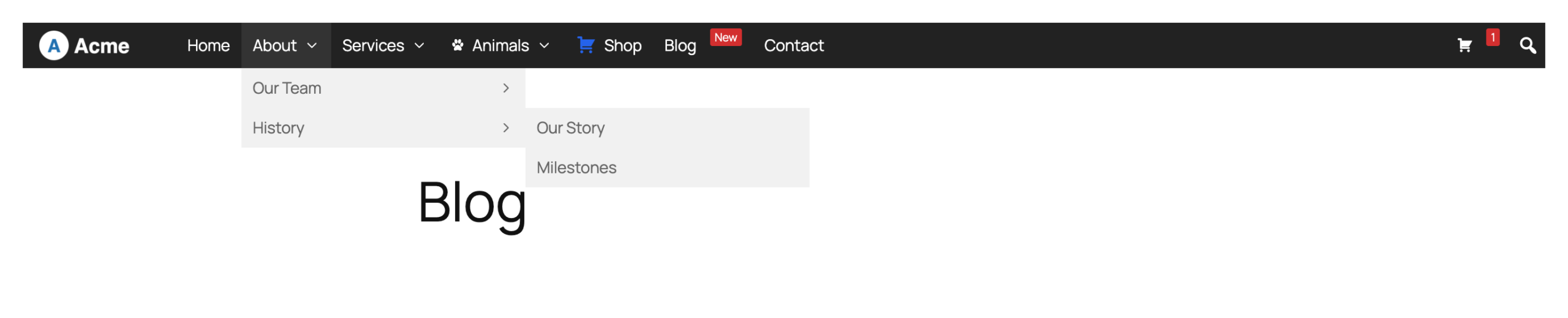
It is possible to adjust the positioning of Flyout Sub Menus so that they are aligned with the bottom of the menu.
Go to Mega Menu > Menu Themes and paste the following into the Custom Styling area:
|
1 2 3 4 5 6 7 |
@include desktop { #{$wrap} #{$menu} > li.mega-menu-flyout ul.mega-sub-menu li.mega-menu-item, #{$wrap} #{$menu}.mega-menu-vertical > li.mega-menu-megamenu.mega-menu-item, #{$wrap} #{$menu}.mega-menu-vertical > li.mega-menu-flyout.mega-menu-item { position: static; } } |
The flyout sub menus will now be aligned to the bottom of the navigation bar: