Max Mega Menu includes a built in option to rotate the arrow when a sub menu is open. Go to Mega Menu > Menu Themes > General Settings and enable the “Rotate” option under “Arrows”.
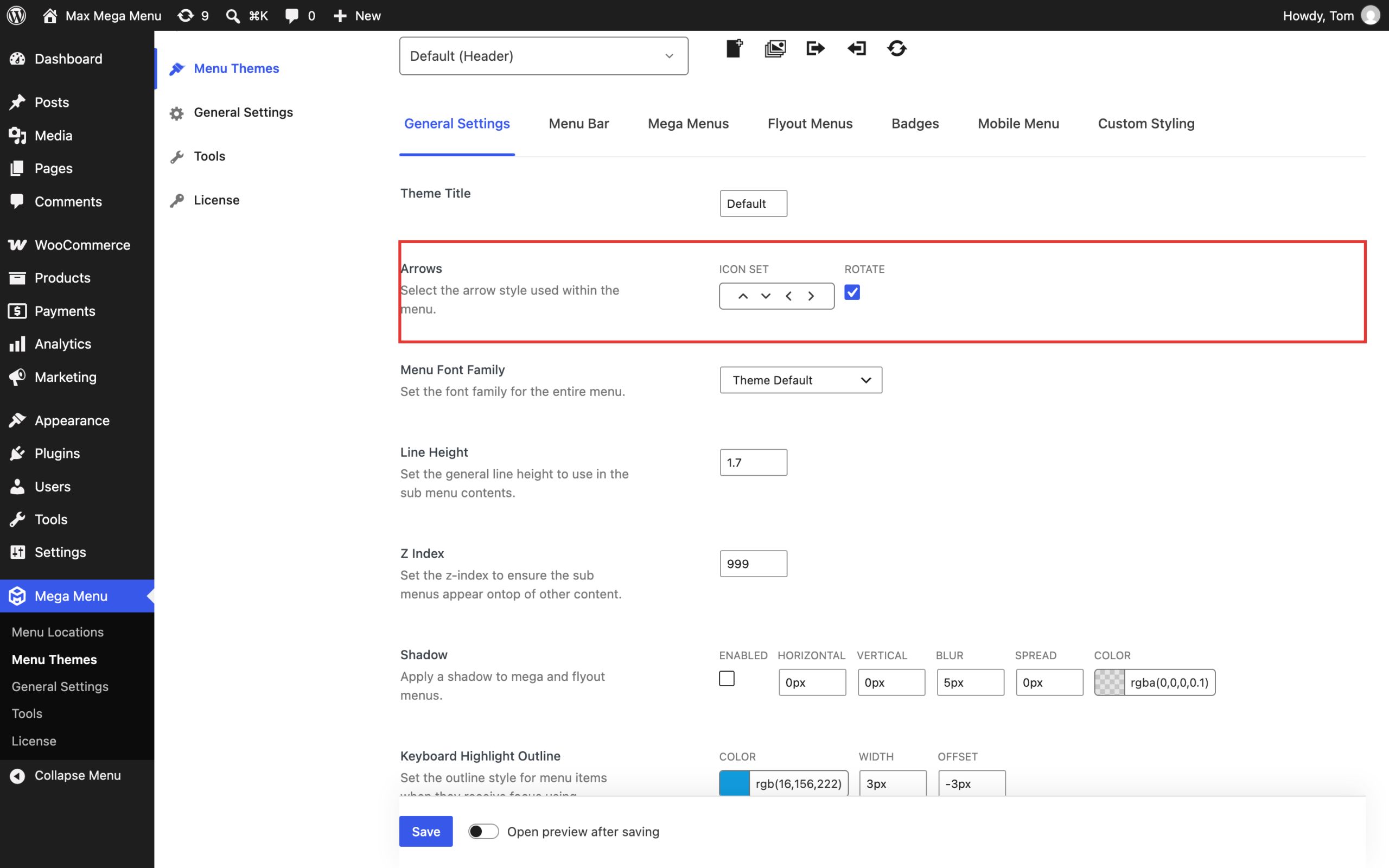
If you would prefer to swap the “down” arrow for an “up” arrow when a sub menu is open, go to Mega Menu > Menu Themes, choose your active theme and add the following to the Custom Styling tab:
|
1 2 3 4 5 |
@include desktop { #{$wrap} #{$menu}.mega-menu-horizontal > li.mega-menu-item-has-children.mega-toggle-on > a.mega-menu-link > span.mega-indicator:after { @include arrow-icon-state($arrow_up, $arrow_font); } } |