The animation speed is set in the menu location settings. Go to Mega Menu > Menu Locations and click your menu location. On the Desktop tab, choose a speed for the “Sub Menu Effect”. The speed for the mobile menu can be set on the Mobile tab.
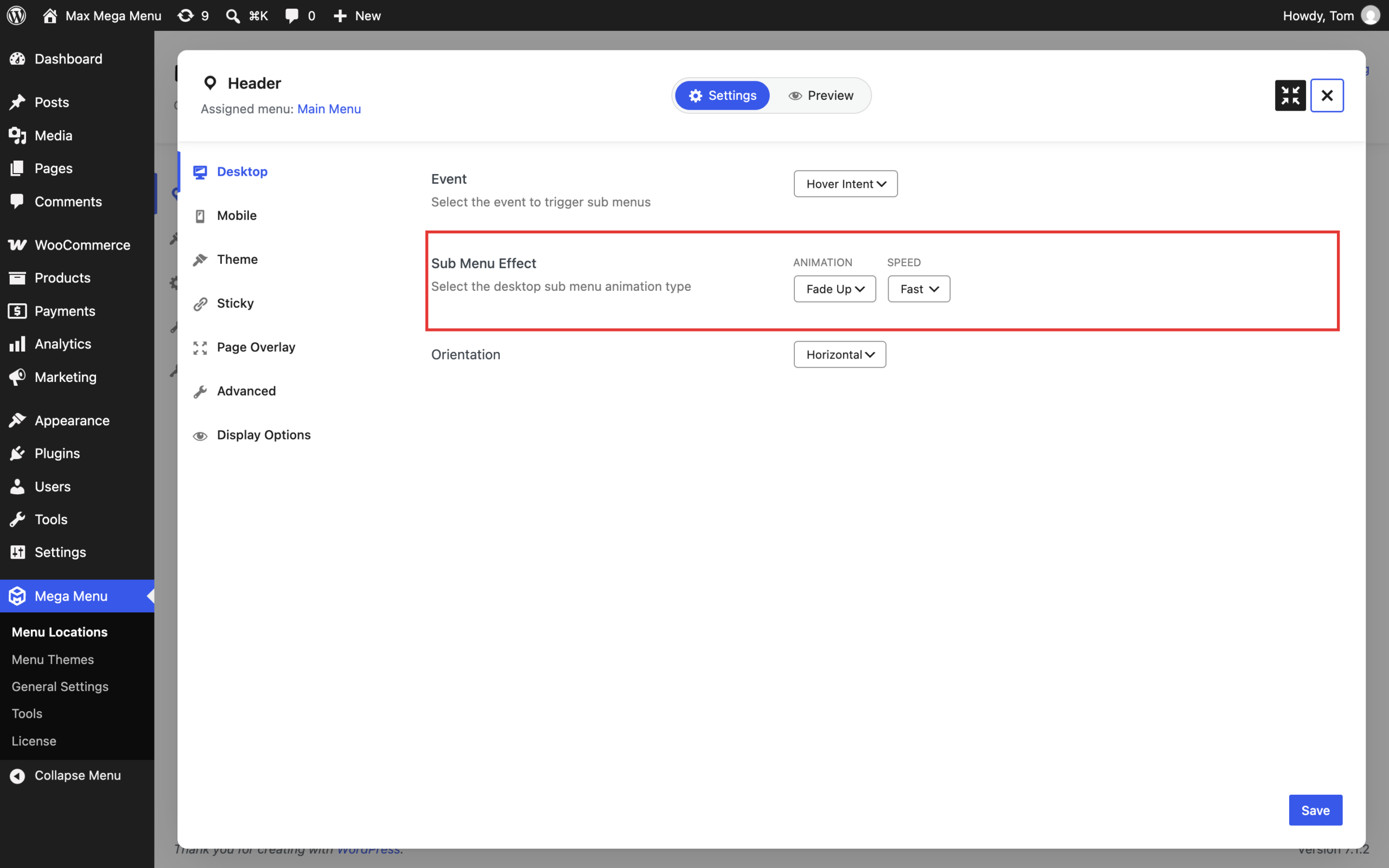
There are 3 options:
- Fast (200ms – default)
- Med (400ms)
- Slow (600ms)
If you want to add more options you can add the following to your theme’s functions.php file:
|
1 2 3 4 5 6 7 8 |
function megamenu_add_speed_options($options, $selected) { $options[“900”] = ‘Very Slow’; $options[“100”] = ‘Very Fast’; return $options; } add_filter(‘megamenu_effect_speed’, ‘megamenu_add_speed_options’, 10, 2); add_filter(‘megamenu_effect_speed_mobile’, ‘megamenu_add_speed_options’, 10, 2); |