Depending on your theme configuration, opening the mobile menu will push down/expand the page content.
If you do not want this to happen, go to Mega Menu > Menu Themes > Mobile Menu and enable “Overlay Content” (under “Mobile Sub Menu Position”), then save the theme. The mobile sub menu will then be positioned over the top of the page content instead.
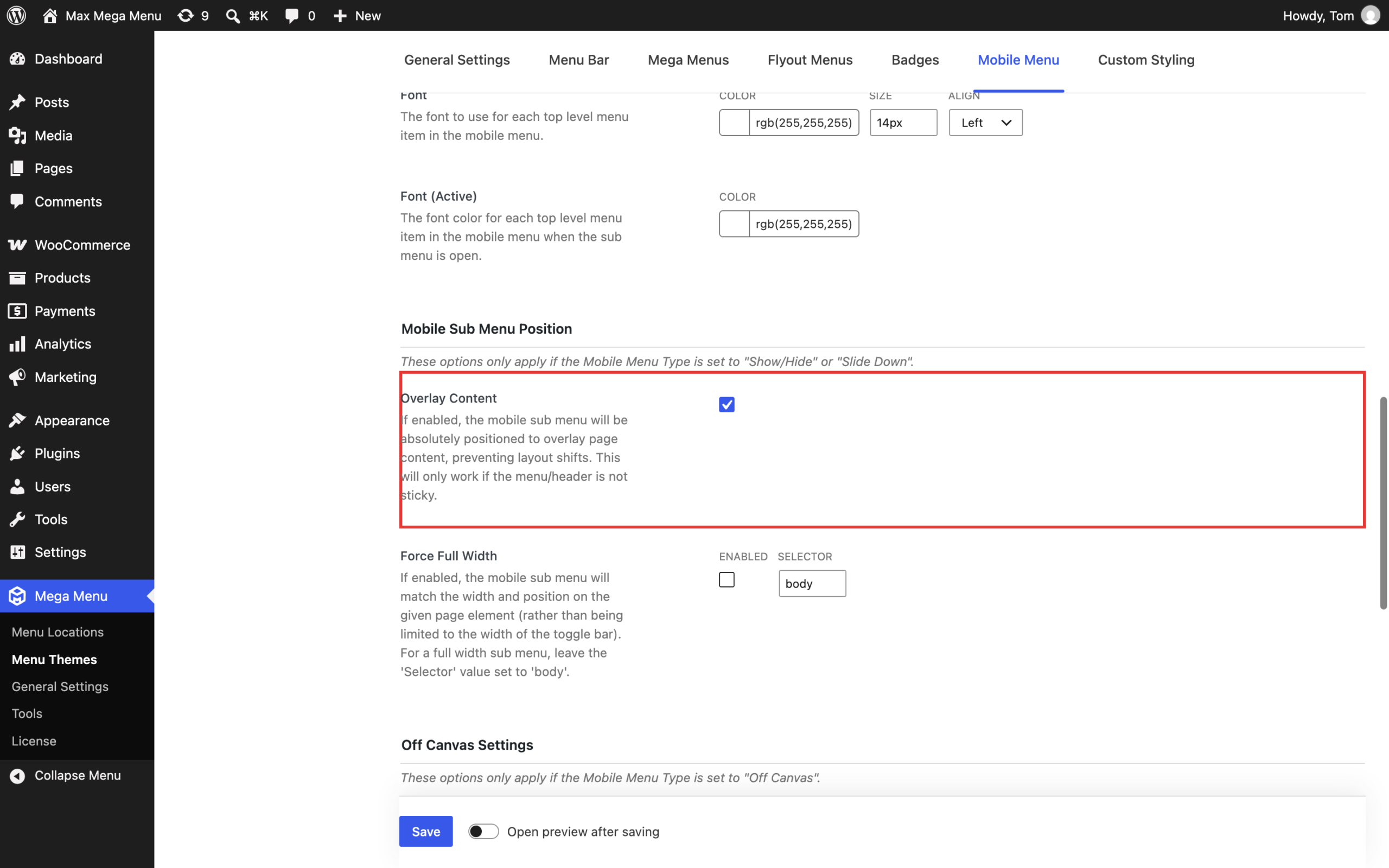
Note: This option only applies when the Mobile Menu Type is set to “Show/Hide” or “Slide Down” (the “Off Canvas” mobile menu type always overlays the page content), and it will only work if the menu/header is not sticky.