Mobile menu font color
The font color, size and alignment of the top level items in the mobile menu can be set in the theme editor.
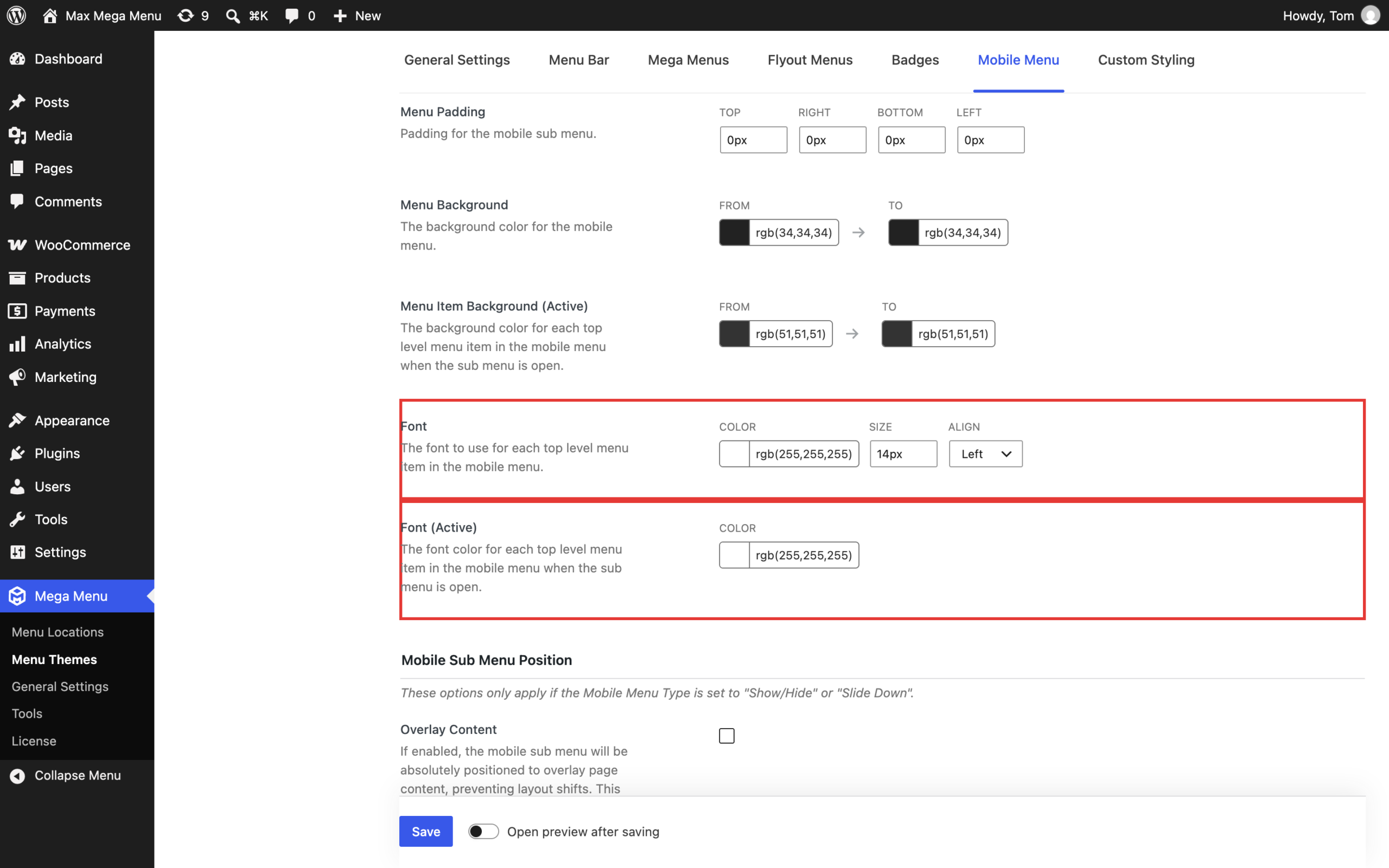
Go to Mega Menu > Menu Themes > Mobile Menu and adjust the following options:
- Font – the color (as well as the size and alignment) of each top level menu item in the mobile menu.
- Font (Active) – the color of each top level menu item in the mobile menu when its sub menu is open.
Save the theme once you have made your changes.
Tip: If the menu text is not visible on mobile (for example, white text on a white background), check that the Font color contrasts with the Menu Background color, which is set on the same tab.
The colors of sub menu items in the mobile menu are taken from the Mega Menus and Flyout Menus tabs of the theme editor.